Advanced AI technology enables precise angle adjustments: pan, tilt, zoom, dolly, and rotation—all from a single image.
Try Multiple Angles Image Editor
Transform your photos using AI-powered angle controls
Upload an image and adjust camera angles with precision. Move forward, backward, left, right, rotate, and zoom to create stunning perspective transformations.
📖How to Use
- Upload your image using the interface below
- Select a camera movement (left, right, up, down, zoom, etc.)
- Adjust the intensity slider to control the effect strength
- Click 'Generate' and wait for AI to transform your image
Multiple Angles Image Editor - Qwen AI
Upload an image to start editing (Max 10MB)
Upload Image
Drag & drop an image here, or click to select
Supports: JPEG, PNG, GIF, WebP
Custom Prompt
Optional - leave blank for default settings
0/500
Advanced Settings
Inspiration Gallery
See how AI transforms perspectives through precise angle adjustments
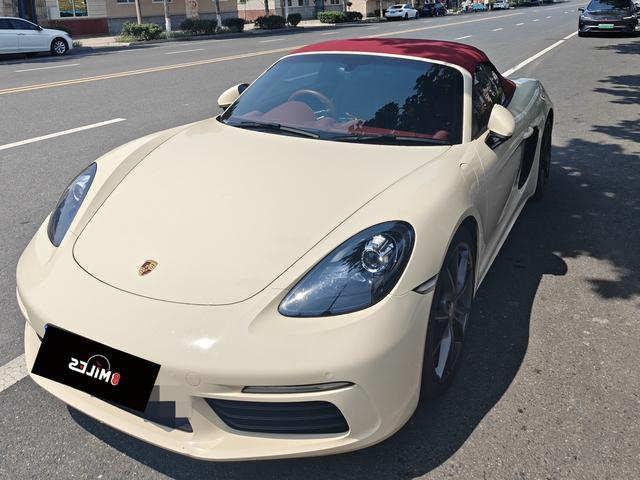
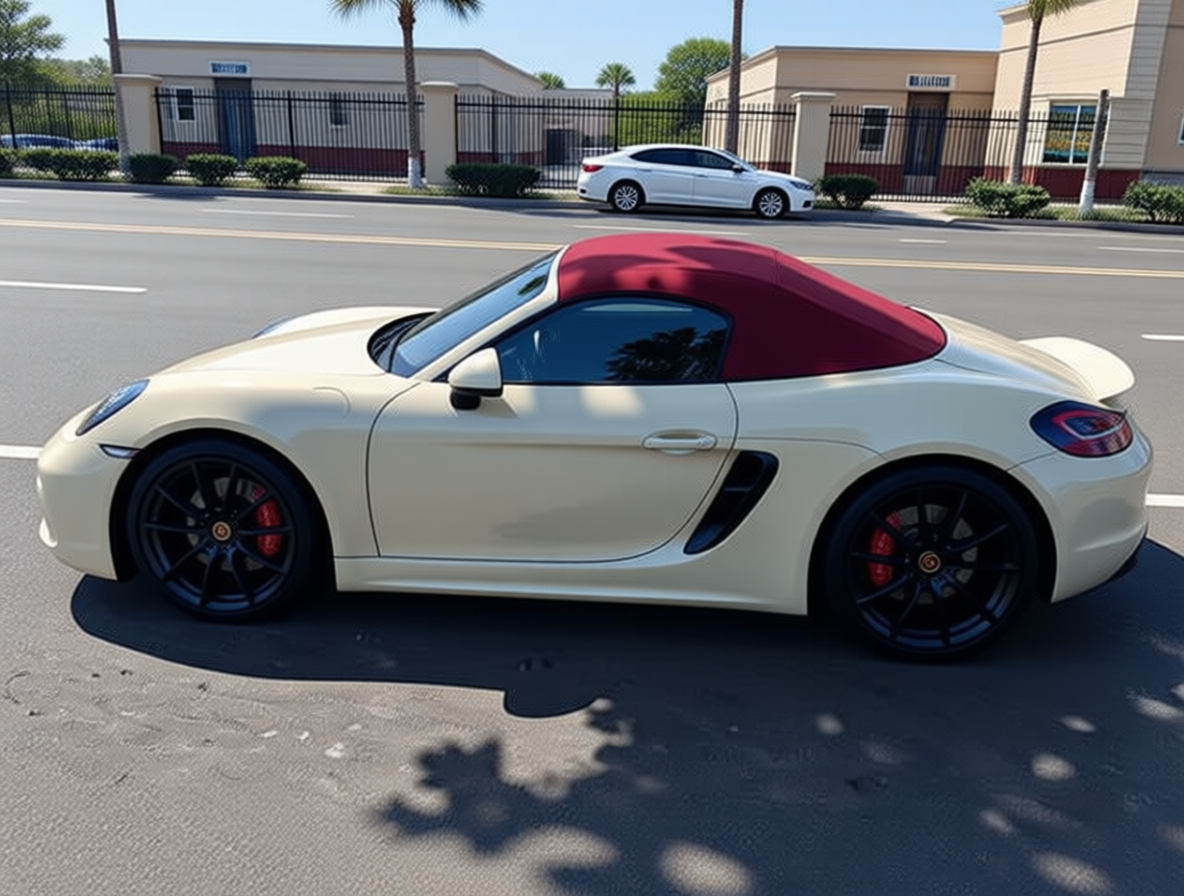
MultipleAngles Original Image - Car Photography
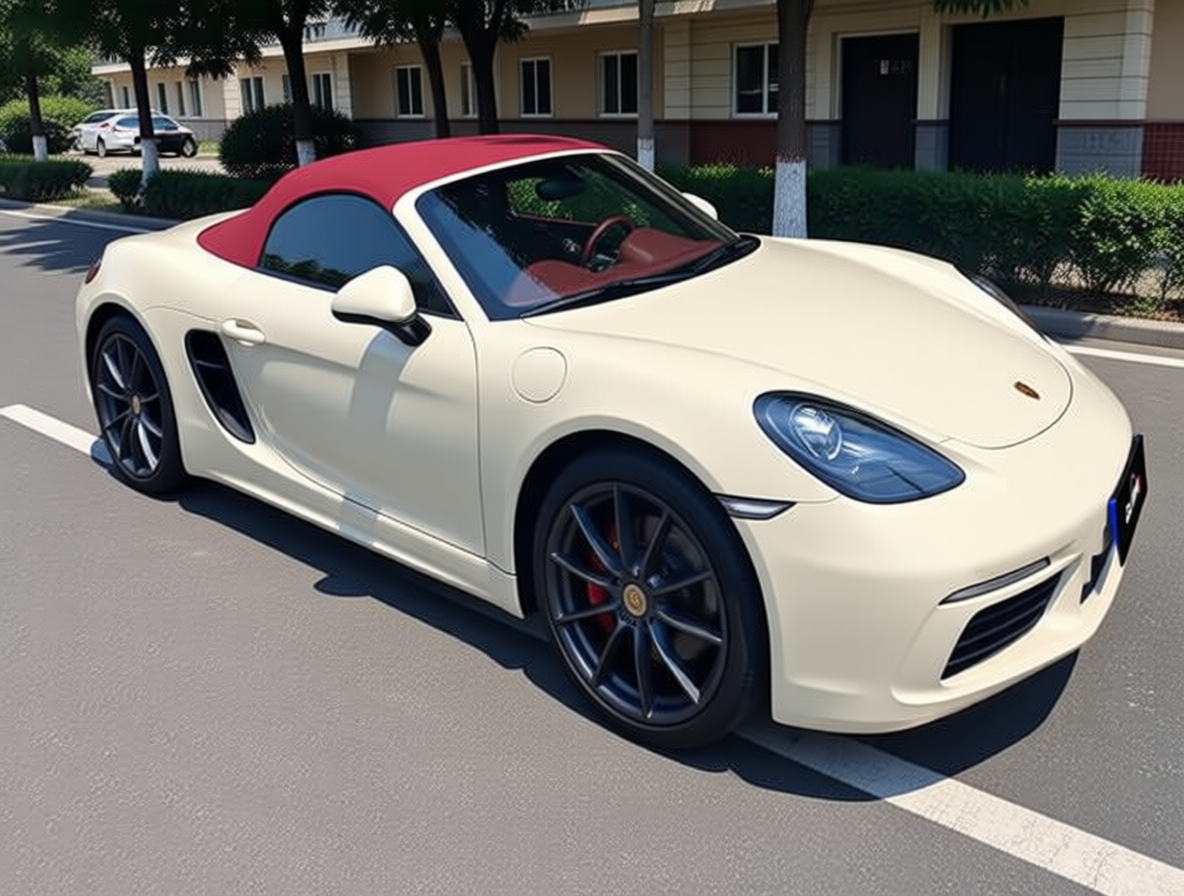
MultipleAngles Camera Pan Left - AI Image Transformation
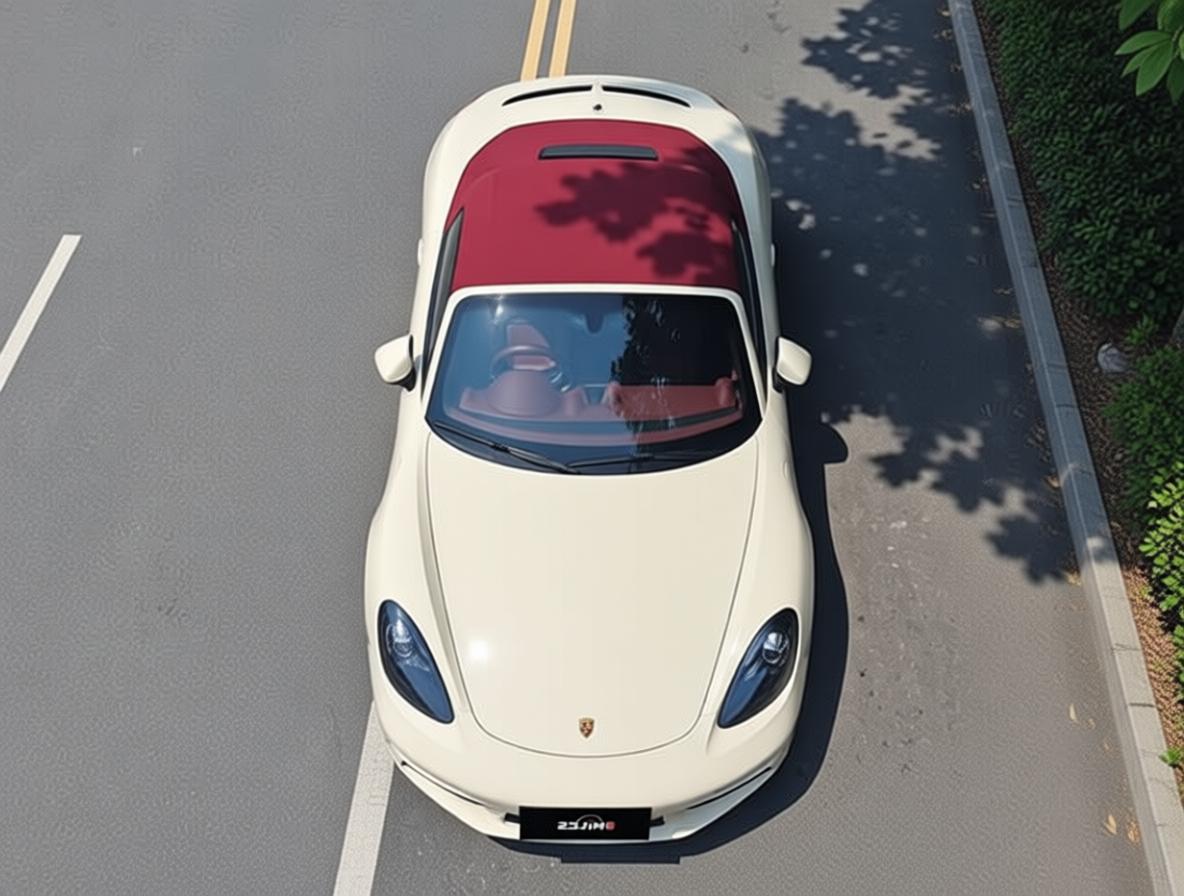
MultipleAngles Camera Tilt Down - AI Perspective Control
MultipleAngles Camera Pan Right - AI Image Editor Demo
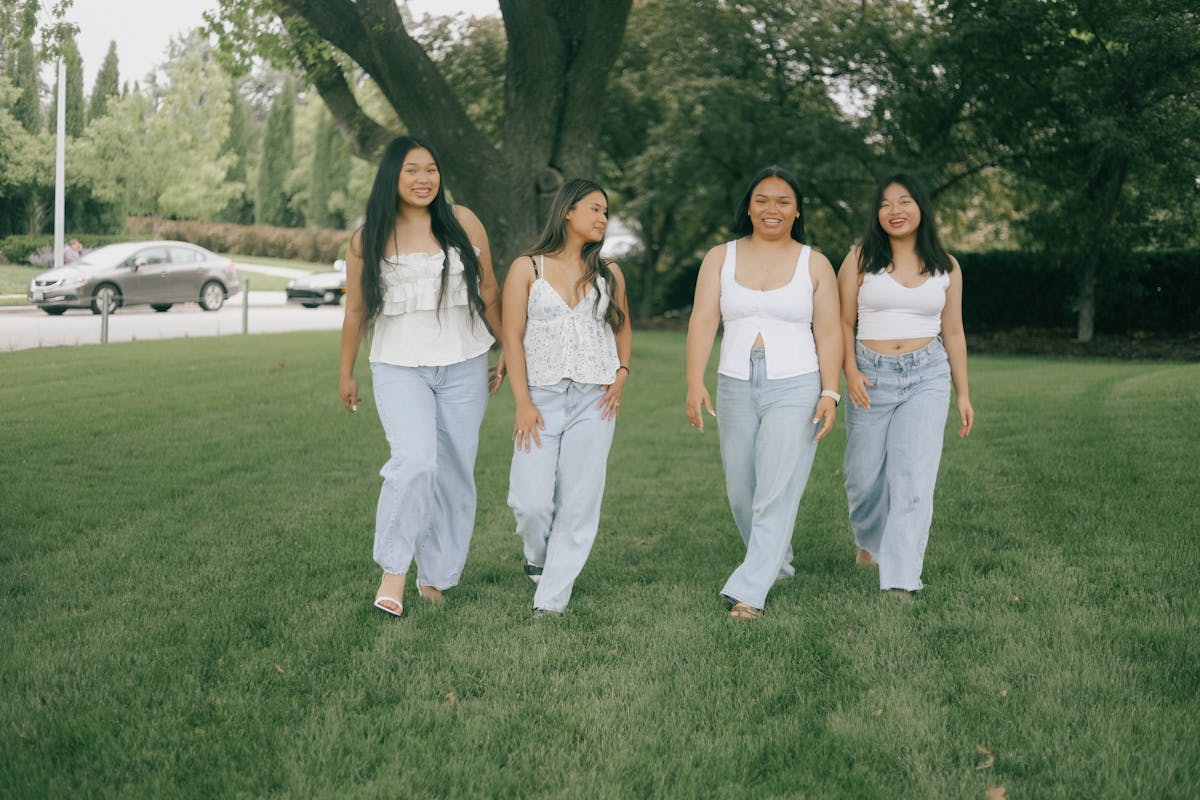
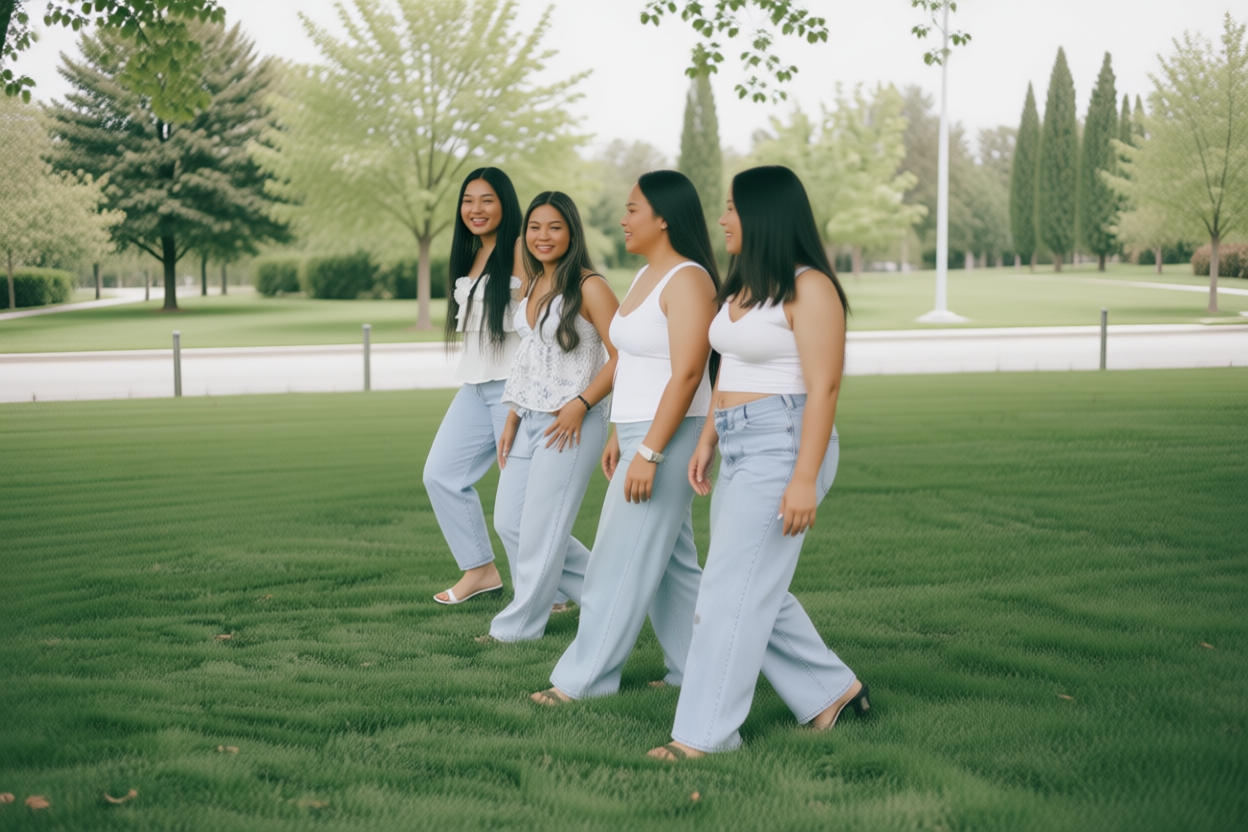
MultipleAngles Original Image - People Photography
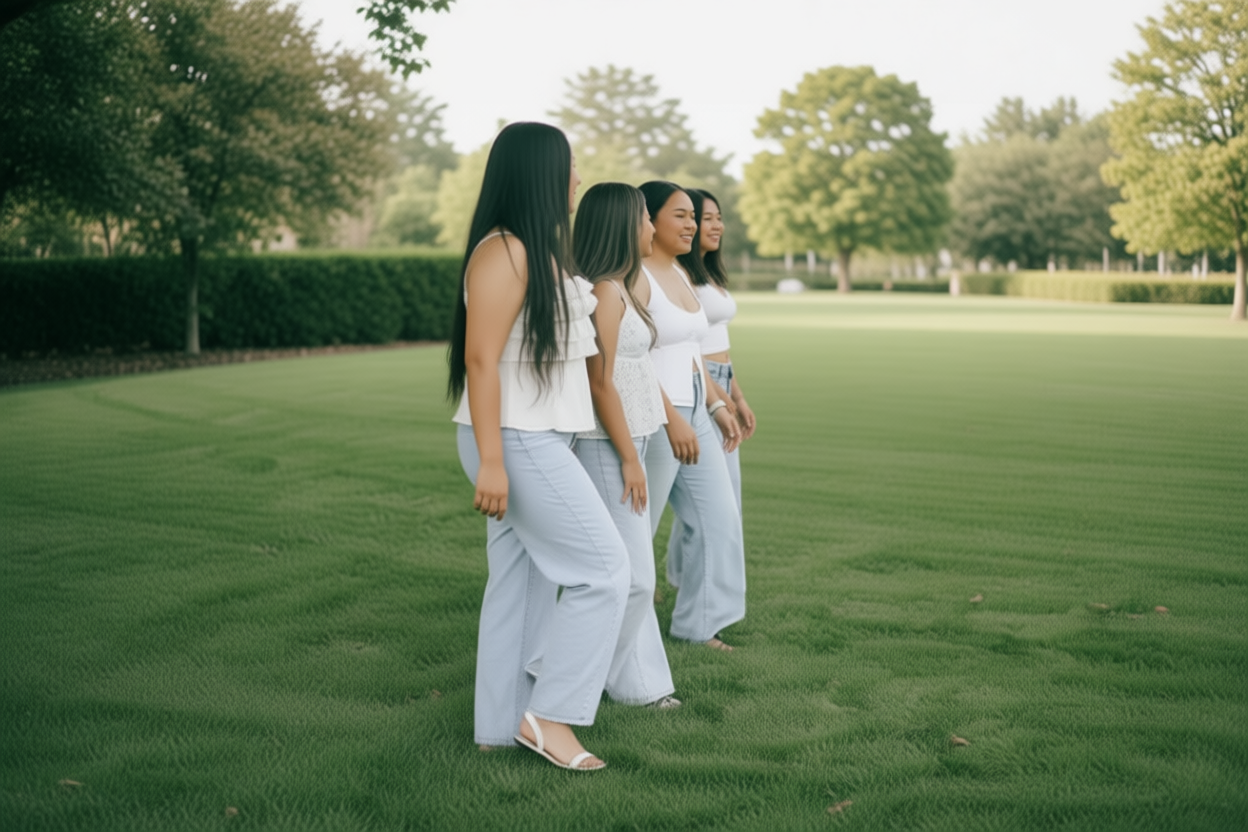
MultipleAngles Camera Pan Left - AI Photo Editor Example
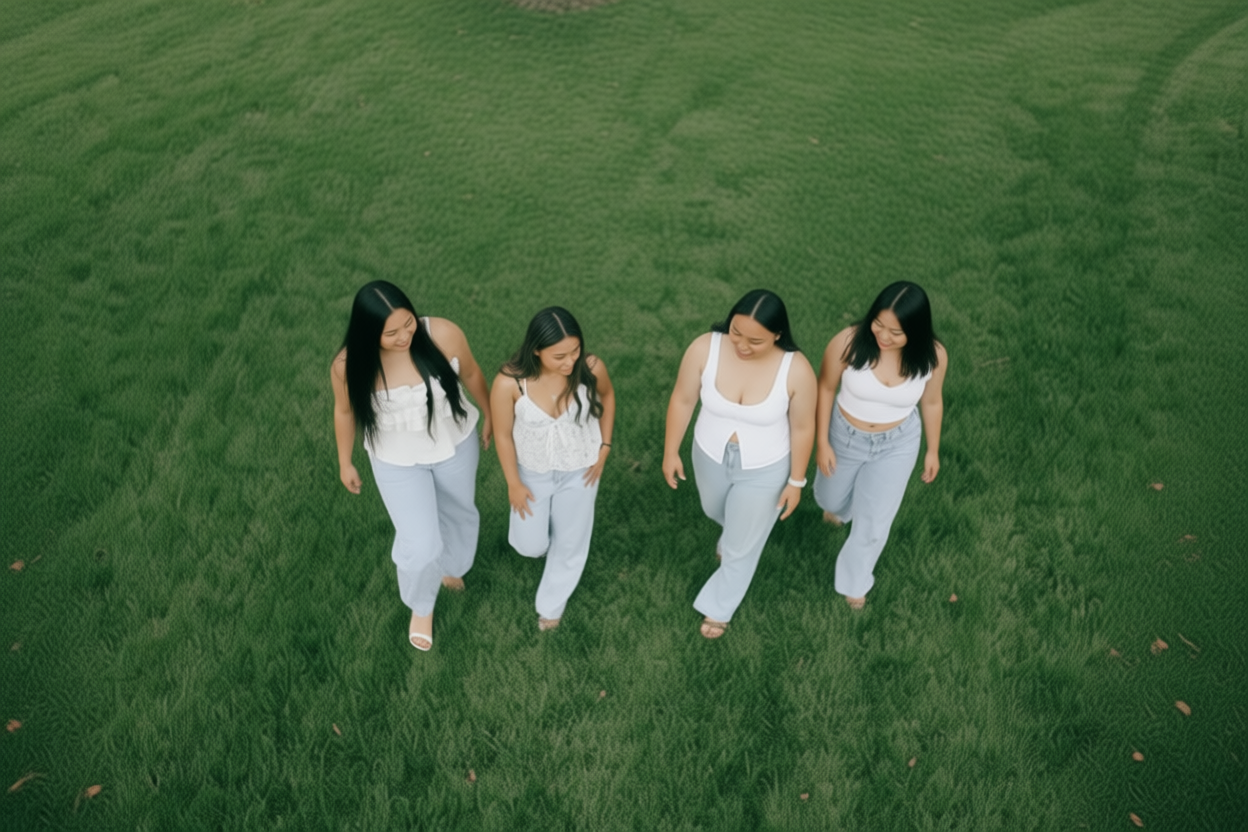
MultipleAngles Camera Tilt Down - AI Camera Movement
MultipleAngles Camera Pan Right - Professional Image Editing
MultipleAngles Original Image - Car Photography
MultipleAngles Camera Pan Left - AI Image Transformation
MultipleAngles Camera Tilt Down - AI Perspective Control
MultipleAngles Camera Pan Right - AI Image Editor Demo
MultipleAngles Original Image - People Photography
MultipleAngles Camera Pan Left - AI Photo Editor Example
MultipleAngles Camera Tilt Down - AI Camera Movement
MultipleAngles Camera Pan Right - Professional Image Editing
💡 Hover to pause scrolling
Why Choose MultipleAngles AI Image Editor
Advanced AI-powered camera control meets professional image editing. Experience revolutionary perspective transformation, intuitive controls, and studio-quality results for creators, marketers, and businesses worldwide.
MultipleAngles Pricing Plans
Flexible credit packages for all your creative needs. Each image edit costs 25 credits.
Monthly Starter
$4.9/ month
For light usage, ~39 edits per month.
Includes:
- 970 credits/month
- ~39 edits/month
- Auto-renews monthly
- Cancel anytime
Monthly billing, flexible cancellation
Monthly Standard
$9.9/ month
For regular usage, ~88 edits per month.
Includes:
- 2,200 credits/month
- ~88 edits/month
- Auto-renews monthly
- Cancel anytime
Suitable for frequent use
Monthly Pro
$19.9/ month
Professional creator's choice, ~188 edits/month.
Includes:
- 4,700 credits/month
- ~188 edits/month
- Auto-renews monthly
- Priority support
Most popular among professionals
MultipleAngles AI Image Editor: Frequently Asked Questions
Everything you need to know about AI-powered image editing and camera angle controls. Learn how to transform perspectives, adjust viewpoints, and create dynamic variations through precise controls.
01What is MultipleAngles and how does it work?
MultipleAngles is an AI-powered image editor that allows you to control camera angles and perspectives in your images. Using advanced AI technology, you can move the camera forward, backward, left, right, rotate, zoom in/out, and adjust viewpoints to create new perspectives from a single image—without any 3D modeling or complex editing skills.
02What angle controls are available?
You have full control including: forward/backward dolly (move closer or further), left/right truck (horizontal shift), pan (horizontal rotation), tilt (vertical rotation), roll (diagonal rotation), and zoom in/out. Each adjustment can be precisely tuned to achieve your desired perspective and composition.
03What types of photos work best with MultipleAngles?
MultipleAngles works on a wide variety including portraits, landscapes, architecture, product photos, and scenes featuring depth. For best results, use clear, well-lit photos having recognizable subjects and spatial depth. Content featuring distinct foreground and background elements produces the most dramatic perspective changes.
04Do I need any technical skills or 3D modeling experience?
Not at all! MultipleAngles is designed to be intuitive and user-friendly. Simply upload your image, select the camera movement you want (forward, rotate, zoom, etc.), adjust the intensity, and the AI handles all the complex processing. No photography expertise, 3D modeling, or technical knowledge required.
05What creative applications can I use MultipleAngles for?
MultipleAngles is perfect for product photography (show items from multiple angles), real estate listings (create virtual property tours), social media content (eye-catching perspective shifts), portfolio enhancement (add depth to flat images), creative storytelling (dynamic viewpoint changes), and design presentations. It's ideal for e-commerce, marketing, art projects, and content creation.
06How do I get the best results with MultipleAngles?
For optimal results: start using high-quality, well-lit photos having clear subjects; content featuring depth and distinct layers works best; apply moderate adjustments first before extreme changes; experiment exploring different angles and directions to find the most appealing perspective; combine multiple actions (like pan + zoom) for cinematic effects; preview changes before finalizing.
07Is my content secure and private with MultipleAngles?
Absolutely. All your uploaded images and generated results are encrypted and kept completely private. We never share, publish, sell, or use your images for any other purpose. You have full control—view, download, share, or delete your images anytime. Your creative work and personal images remain exclusively yours with complete privacy protection.
08What are the current limitations of MultipleAngles?
While MultipleAngles is highly capable, some limitations exist: extreme perspective changes may introduce minor artifacts; very flat compositions produce less dramatic results; complex scenes having many overlapping objects may need multiple attempts; processing time varies based on resolution and complexity. We're continuously improving the AI model for better results.
09Is MultipleAngles free to use? What are the pricing options?
MultipleAngles offers free trial credits for new users to explore the tool. We provide flexible options including monthly subscriptions for regular users, pay-as-you-go credit packs for occasional use, and enterprise plans for teams and businesses. Pricing is based on image resolution and processing complexity. All plans include full commercial usage rights.
10Can I use MultipleAngles images commercially?
Yes! All images edited with MultipleAngles can be used for commercial purposes including product listings, marketing materials, social media advertising, e-commerce sites, client presentations, and promotional content. You retain full commercial rights to your edited images, making MultipleAngles perfect for business and professional applications.